Photo Journal Maker
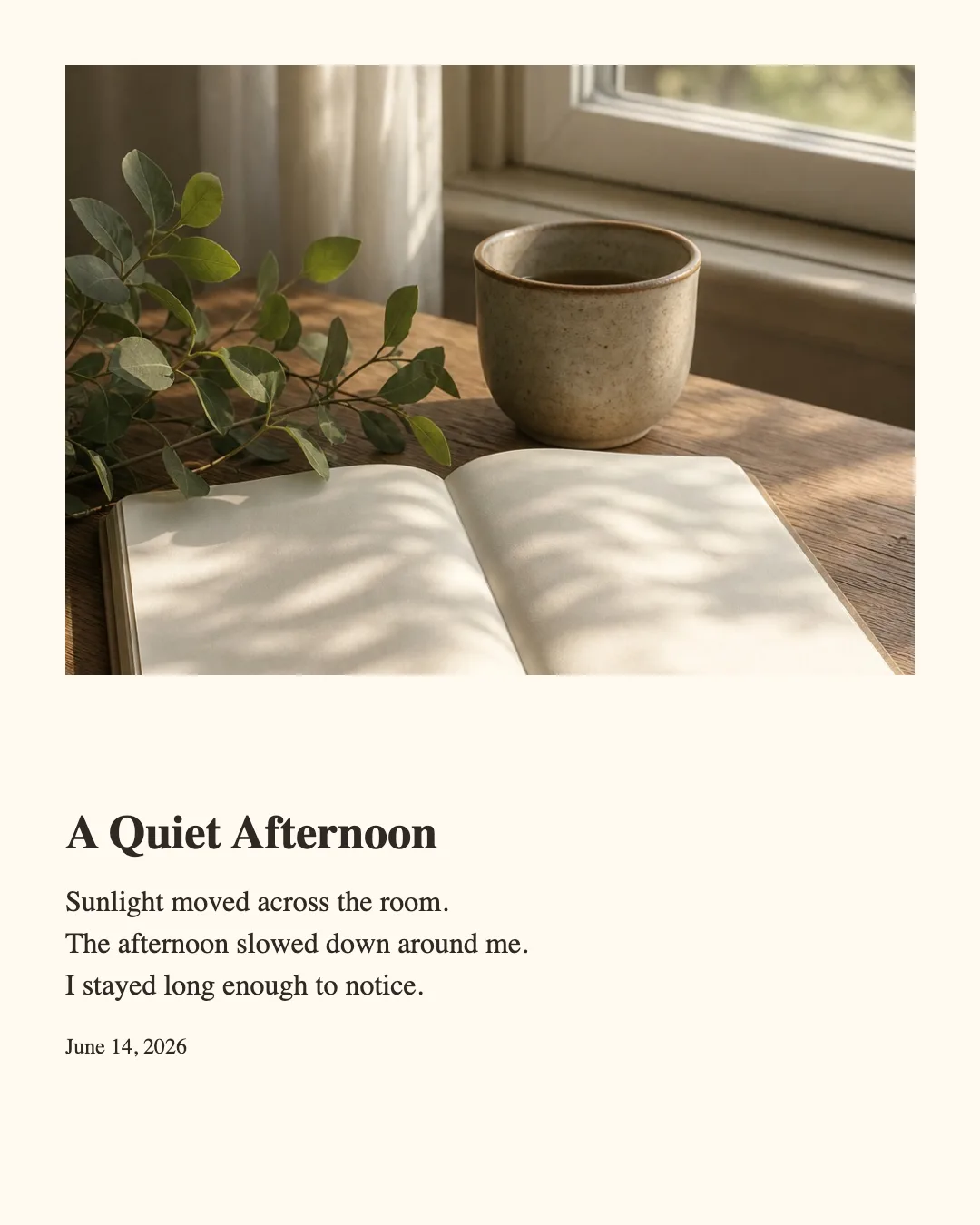
Turn one photo and a short journal entry into a polished image for sharing.
Create polished image layouts locally in your browser.
Turn one photo and a short journal entry into a polished image for sharing.
Add clean borders and spacing around one photo, then export it in a social-ready size.
Turn a note, thought, list, or short passage into a clean sharing image.
Turn a customer testimonial or meaningful quote into a polished social card.
Layout is not a general-purpose design app. Each tool solves one concrete image layout task, so you can start quickly and avoid settings that do not matter to your result.
See the intended result immediately, then replace the example with your own content.
Use a focused set of controls chosen for the task instead of building a design from scratch.
Download a PNG in square, portrait, or vertical format for common social placements.
Open the tool built for the image you want to create.
Replace the starting example and adjust the available style controls.
Select a social image size and download the finished PNG.
Editing and image generation happen locally on your device.
Your editing content does not require a cloud upload.
No. Images and text are processed in your browser and are not uploaded to our servers.
The editors accept JPG, PNG, and static WebP images within the displayed file and pixel limits.
Every tool exports square 1:1, portrait 4:5, and vertical 9:16 PNG images.
The tools do not restrict commercial use, but you remain responsible for having the rights to every image, logo, quote, and other item you add.
Short explanations for choosing a format and getting a clear result.
A tested workflow for combining one photo, a short journal entry, and three export ratios.
Read guideCompare square, portrait, and story output with Contain and Cover before publishing.
Read guideTurn a real draft into a readable image by comparing Plain text, Markdown, type size, and whitespace.
Read guideUse Contain, Cover, spacing, borders, and corners to frame a photo without losing its important edges.
Read guideKeep a long testimonial or attributed quote readable by balancing text size, attribution, and whitespace.
Read guideVerify the local-processing promise with Network, offline, and browser-storage checks you can repeat.
Read guideFind and fix overflow caused by long words, emoji, CJK characters, Markdown, and long attributions.
Read guideExport one idea for square, portrait, and story formats without treating a crop as a finished design.
Read guide