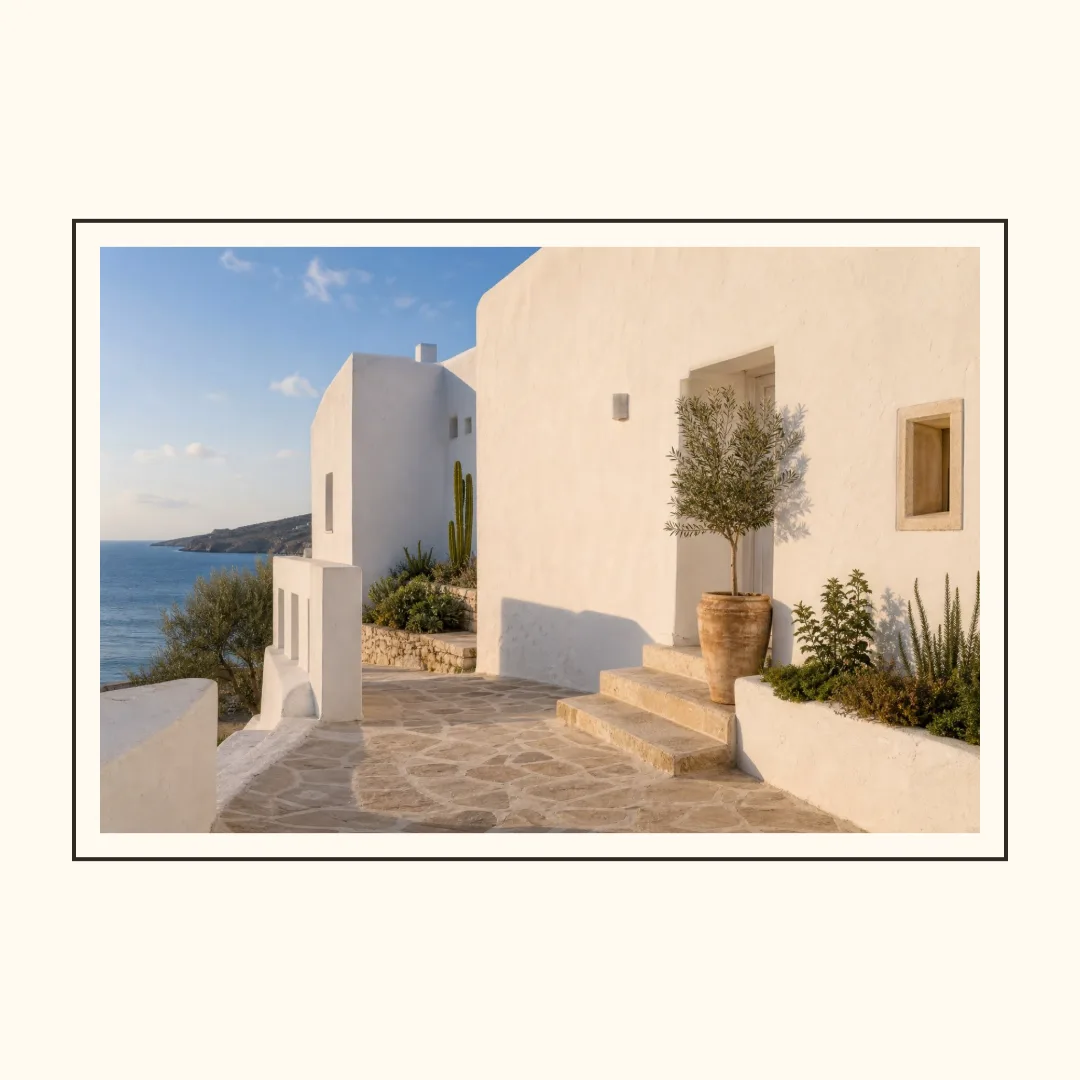
Photo Border Maker
Add clean borders and spacing around one photo, then export it in a social-ready size.
- No watermark
- Images stay in your browser
Start from a finished layout
Templates
Keep the whole image or create a clean crop, then tune the spacing, border, color, and corners.
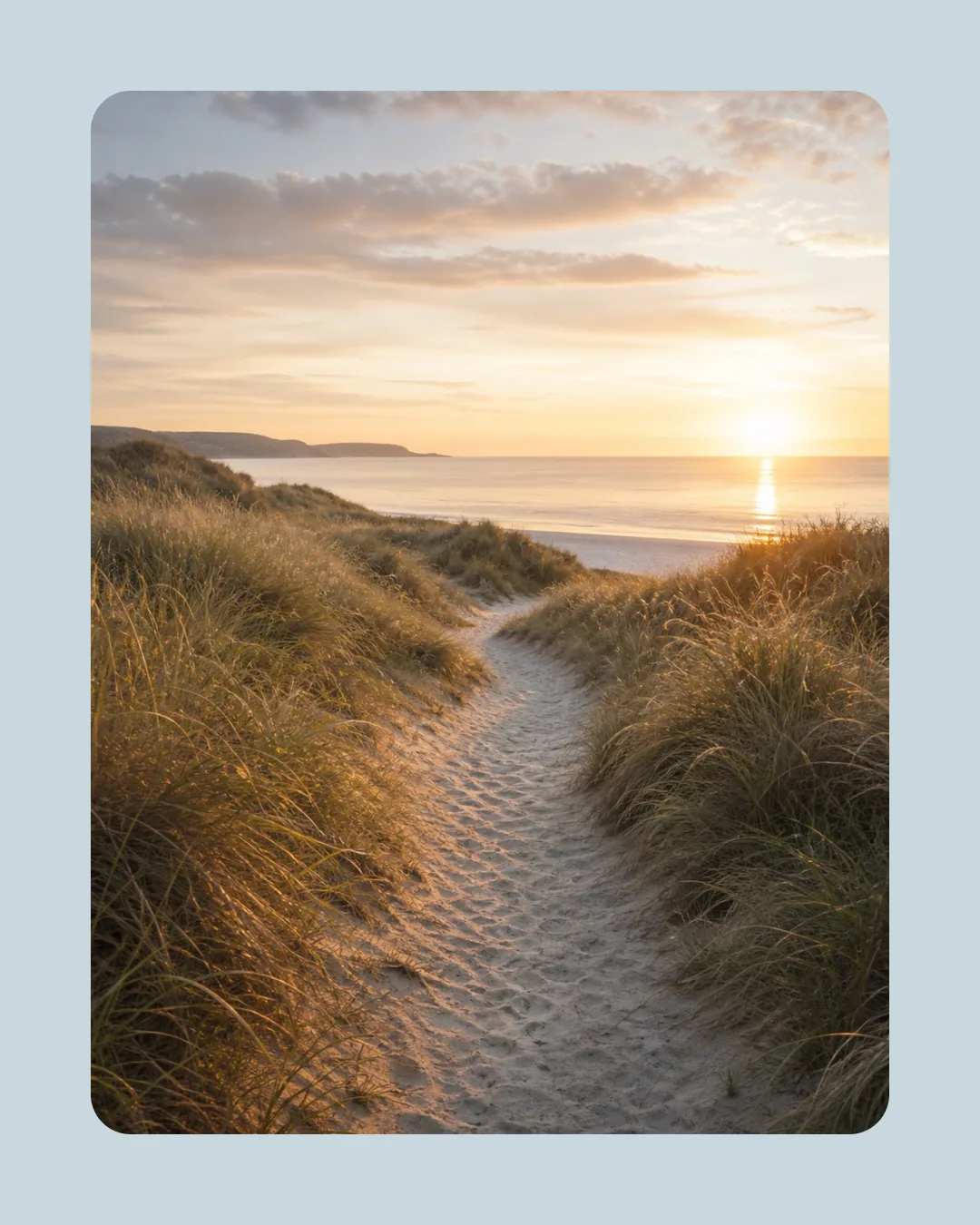
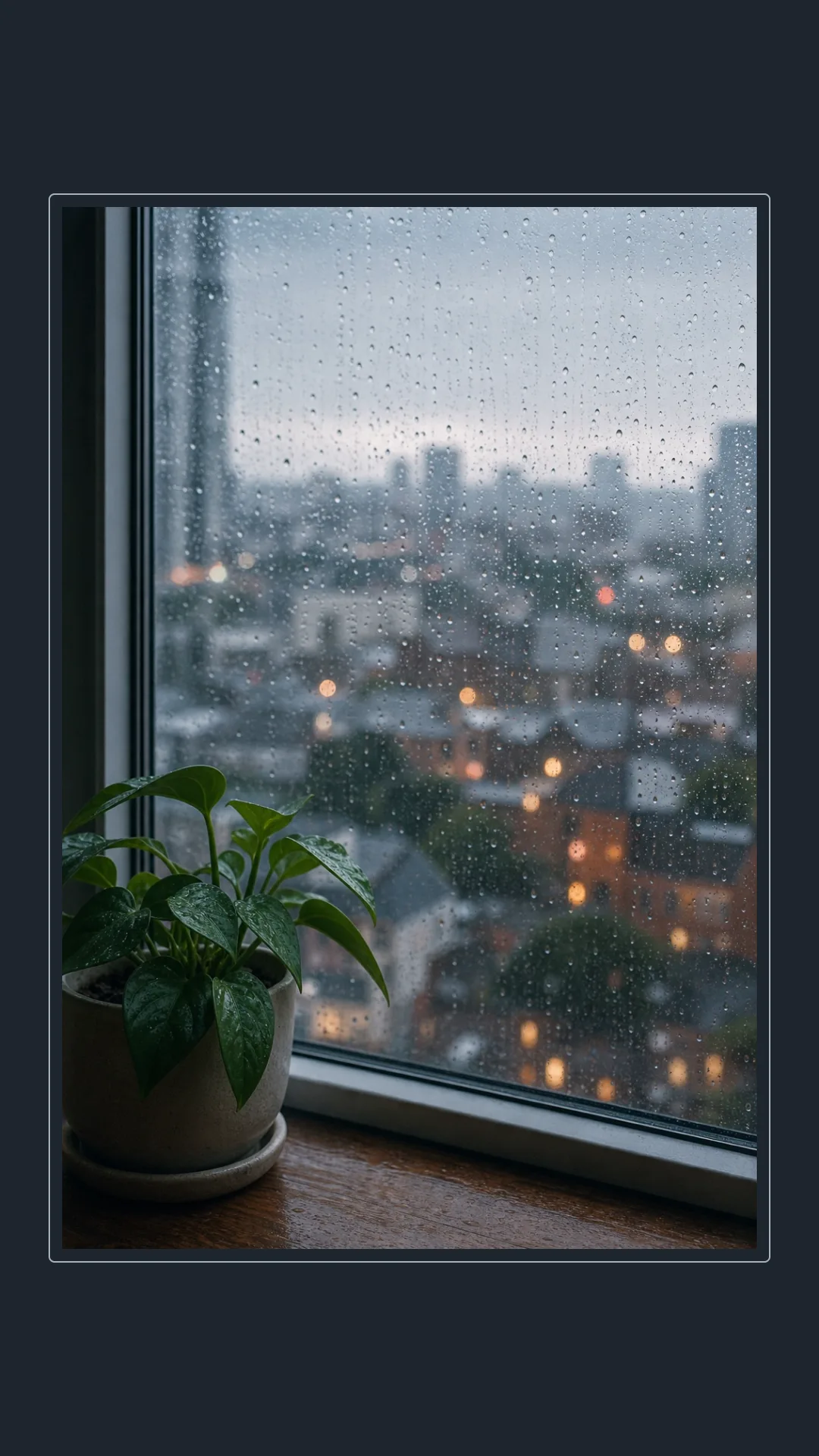
How It Works
1
Add one photo
Choose a JPEG, PNG, or WebP image from your device.
2
Shape the frame
Pick Contain or Cover, then adjust outer spacing, inner spacing, border width, corners, and colors.
3
Export your PNG
Download the current social size or export all three sizes together.
Output Sizes & Local Processing
Social-ready sizes
Export 1080 × 1080, 1080 × 1350, or 1080 × 1920 PNG images.
Your image stays local
Framing and export happen in your browser. Your image is not uploaded, and exports have no watermark.
Who it suits and where it stops
Best for
Framing one photo with predictable spacing, a simple border, rounded corners, and a background that supports the source. JPEG, PNG, and static WebP inputs are limited to 20 MB and 64 megapixels.
Not for
Manual retouching, perspective mockups, arbitrary canvas sizes, or a crop that needs a hand-positioned focal point.
Give your photo exactly the space it needs.
Start with the example, then replace it with your own photo and frame.
Use this toolPhoto Border Maker FAQ
Are my photos uploaded?
No. Your photo is processed locally in your browser and is not sent to our server.
Which image formats can I use?
You can use JPEG, PNG, and static WebP images within the displayed file and pixel limits.
What is the difference between Contain and Cover?
Contain keeps the entire photo visible. Cover fills the available photo area and crops evenly from the center when needed.
How do I keep the whole photo visible?
Choose Contain. The border will follow the photo’s original aspect ratio while keeping at least your selected outer spacing.
Which output sizes are available?
Export square 1:1, portrait 4:5, or vertical 9:16 PNG images—or download all three in one ZIP.
Will the exported image have a watermark?
No. Photo Border Maker exports clean PNG files without a watermark.