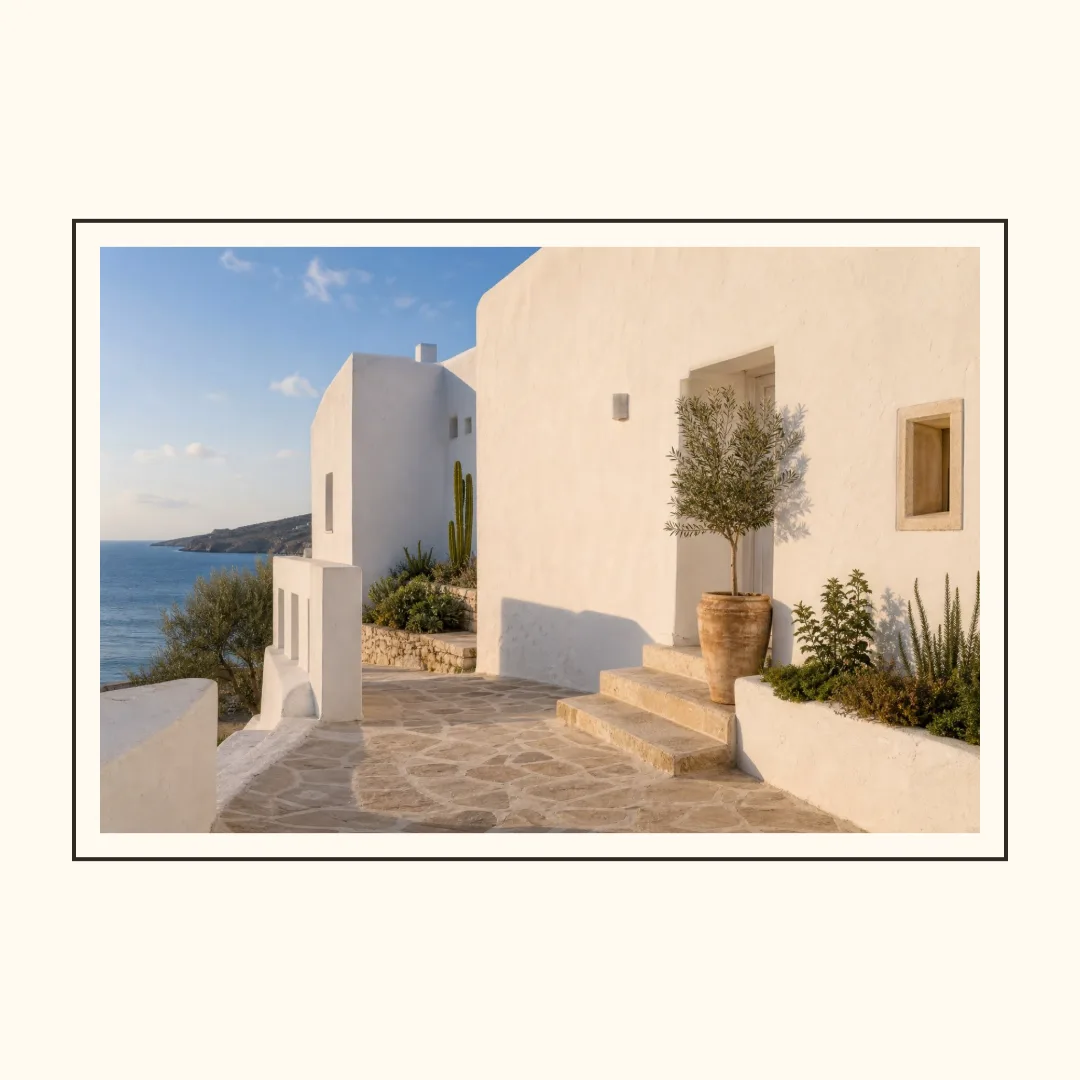
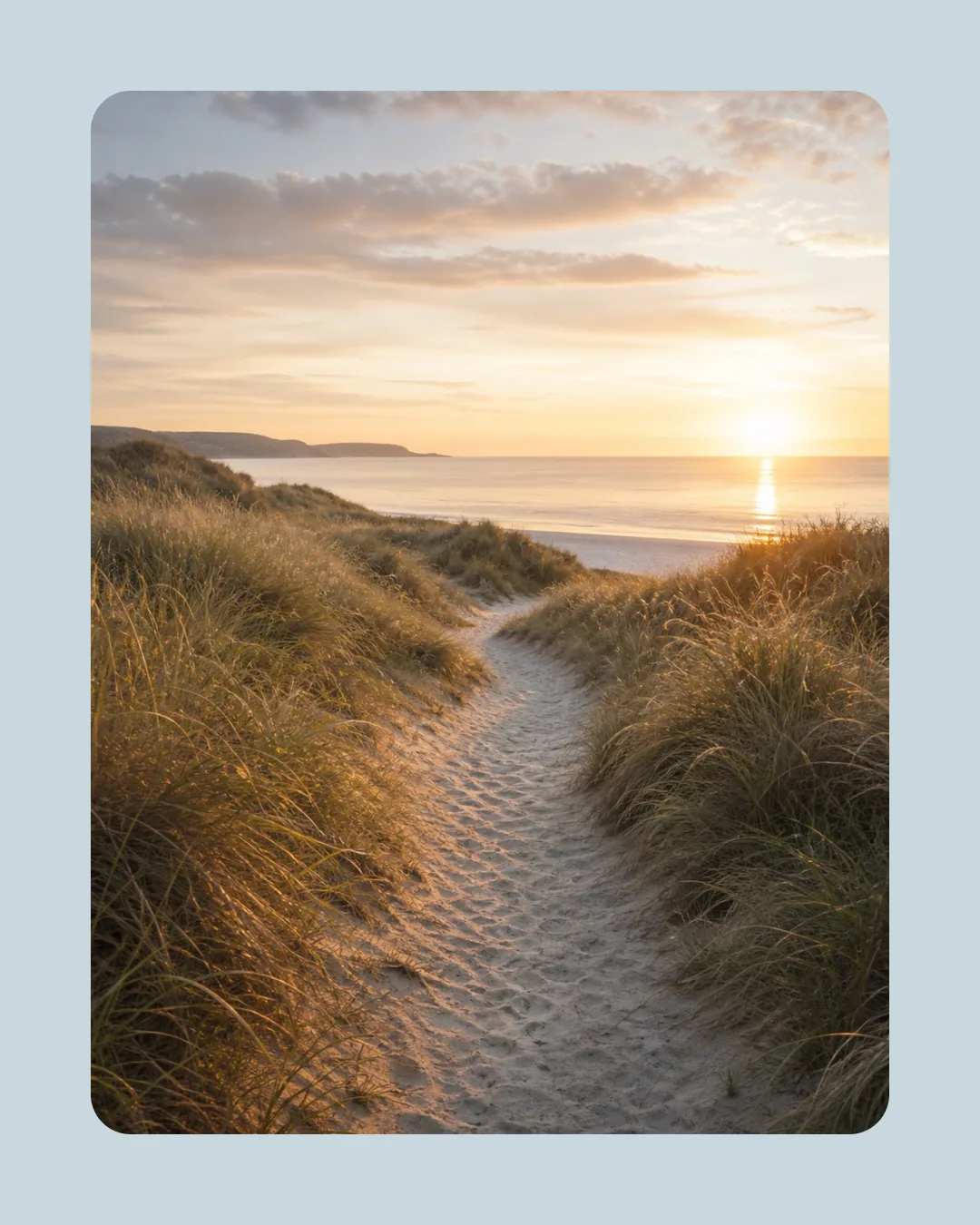
This test used the same coastal source image in Photo Border Maker and compared the three formats with Contain and Cover. The tool exports 1080×1080 (1:1), 1080×1350 (4:5), and 1080×1920 (9:16) PNG files. These are the tool's output targets, not a promise that every platform accepts them forever.
Choose by placement first
Use 1:1 when the same image needs to fit a compact grid. Use 4:5 when a feed portrait should occupy more vertical space. Use 9:16 when the design is meant for full-screen story or short-video contexts. The important choice is the destination frame, not the habit of exporting everything square.
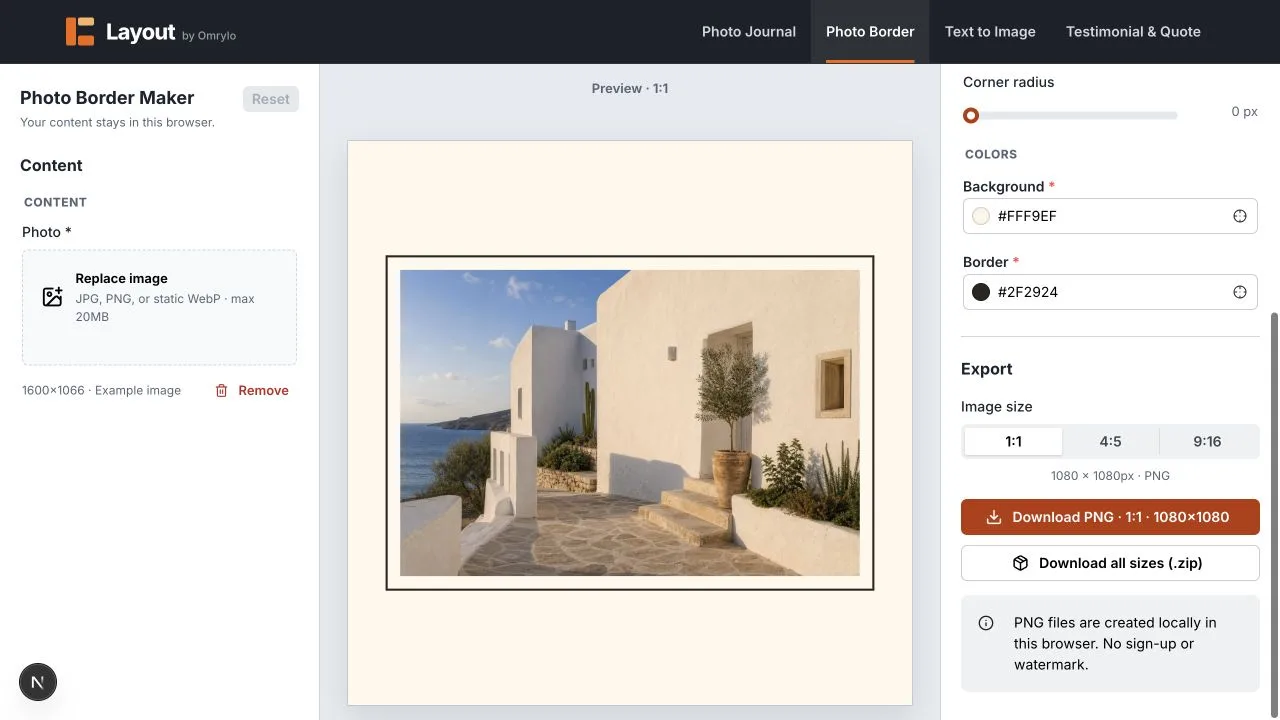
Contain versus Cover with one source image
Contain keeps the whole source visible and uses the selected background for the remaining space. Cover fills the photo area and crops from the center. For a face, a logo, or small lettering near an edge, start with Contain and move to Cover only after inspecting the crop.
Keep a safe area for faces, logos, and small type
- Keep faces away from the crop edge and the outer frame.
- Give transparent logos enough contrast against the background.
- Do not place small text where platform controls or captions may cover it.
Limits and unsuitable cases
Layout does not export landscape 1.91:1 or platform-specific safe-area presets. If your destination requires a different ratio, use the export as a starting point and verify the final file in that platform's own composer. A background frame can preserve the full photo, but it cannot make an unsuitable source resolution sharper.