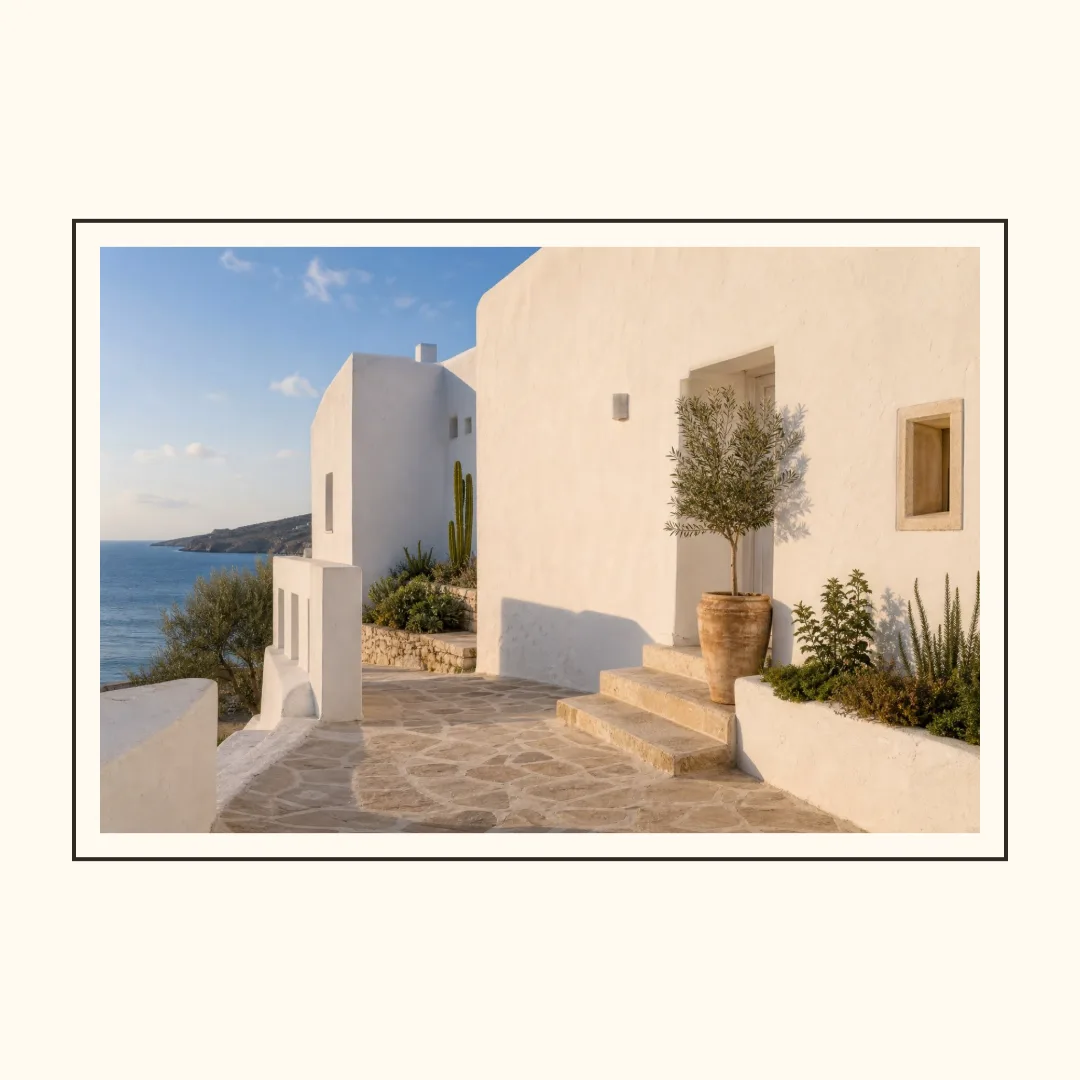
A border is useful when the photo is important enough to preserve in full. I used the coastal example, kept the source unchanged, and varied only image fit, outer padding, inner padding, border width, corner radius, and background color.
Use Contain when the edge carries information
Choose Contain first for a portrait, a group photo, or a product whose edges matter. The renderer keeps the complete photo inside the inner frame and fills the remaining area with the background. Cover is better when the subject is safely centered and filling the frame matters more than the outer edge.
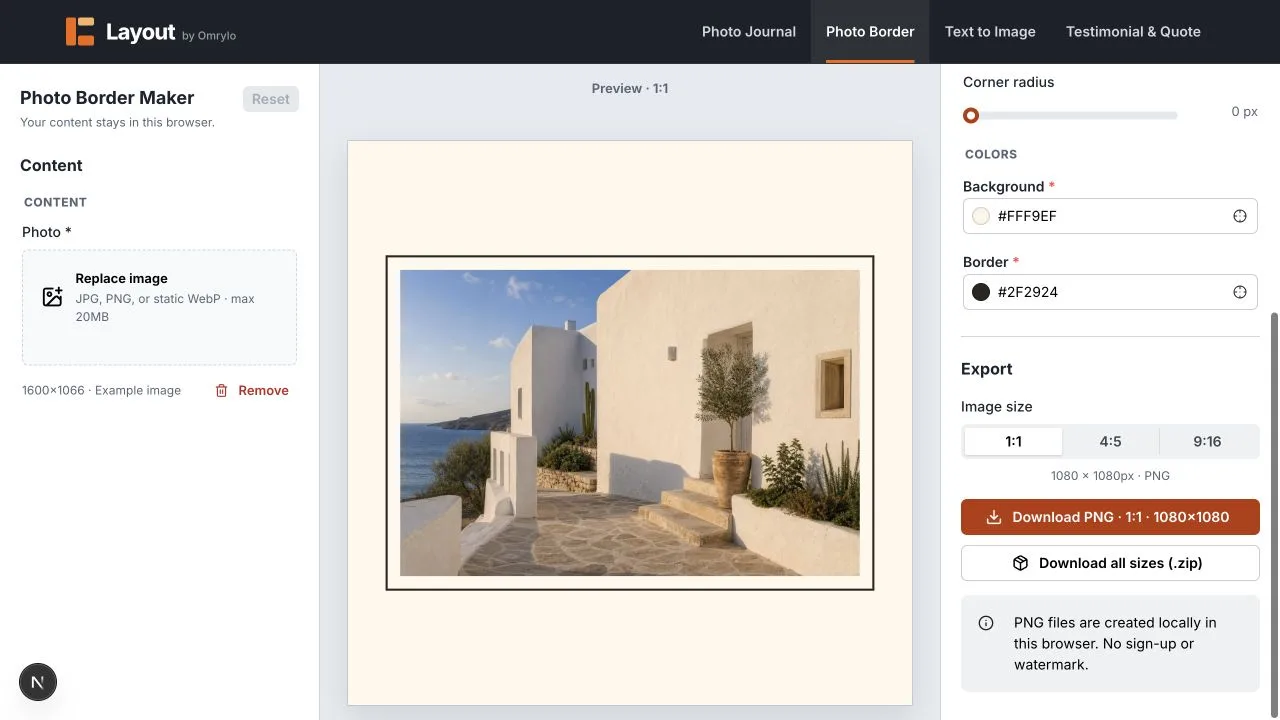
Change one frame variable at a time
- Set Contain or Cover before tuning the frame.
- Increase outer padding until the image has breathing room.
- Use inner padding and border width to separate the photo from the frame.
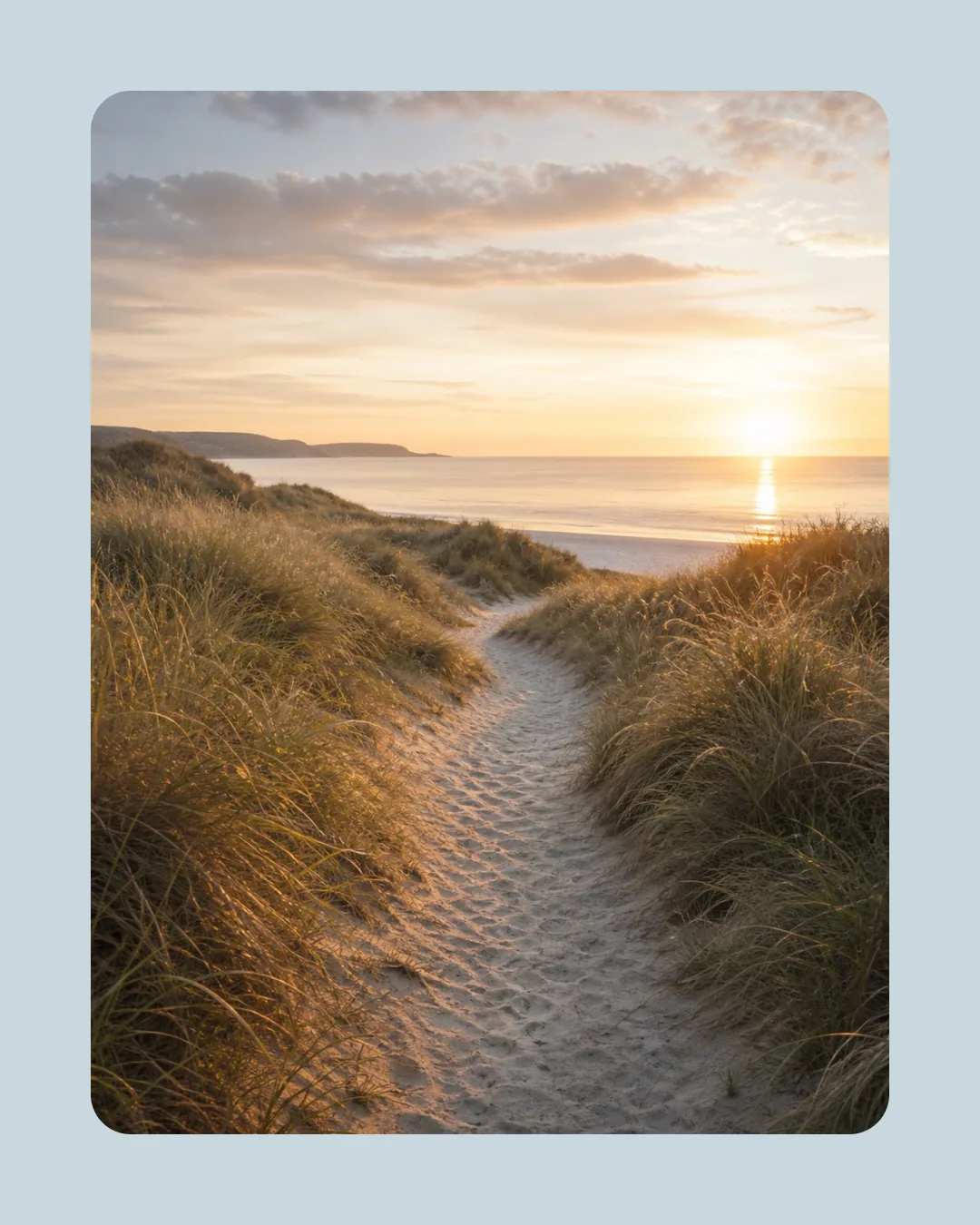
- Use corner radius only when it supports the visual language.
When the border does not solve the problem
A border cannot recover detail that was already outside the source crop, and it cannot make a low-resolution image sharp. If a face is near the edge, use the source image with Contain or prepare a better crop first.
Limits and unsuitable cases
Photo Border Maker exports PNG only, at the three built-in ratios. It does not provide arbitrary canvas dimensions, perspective frames, or a manual crop rectangle. Use it for clean spacing and borders, not for detailed photo retouching.