Overflow is not only a long-paragraph problem. I checked long English words, emoji, Chinese and Japanese characters, Markdown headings, and a long attribution across the three output ratios. The editor blocks an export when the selected target cannot fit the content.
Find the first failing target
Start with the content that matters and switch between 1:1, 4:5, and 9:16. Note which ratio fails, then try the smallest targeted change: trim repeated words, reduce text size, or tighten spacing. Do not immediately shrink everything until it is unreadable.
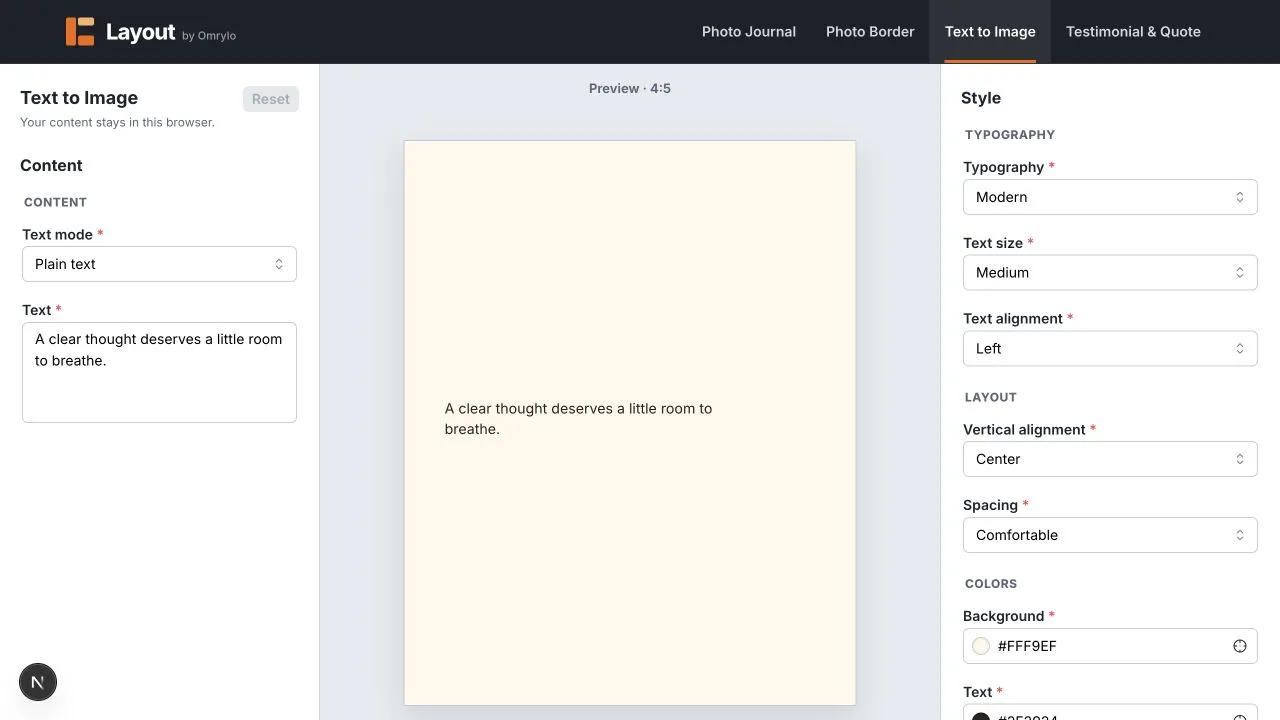
Test the characters that change line breaks
- Paste one unusually long word with no spaces.
- Add emoji and confirm the fallback glyph is still readable.
- Try a short CJK paragraph, where line wrapping follows different boundaries.
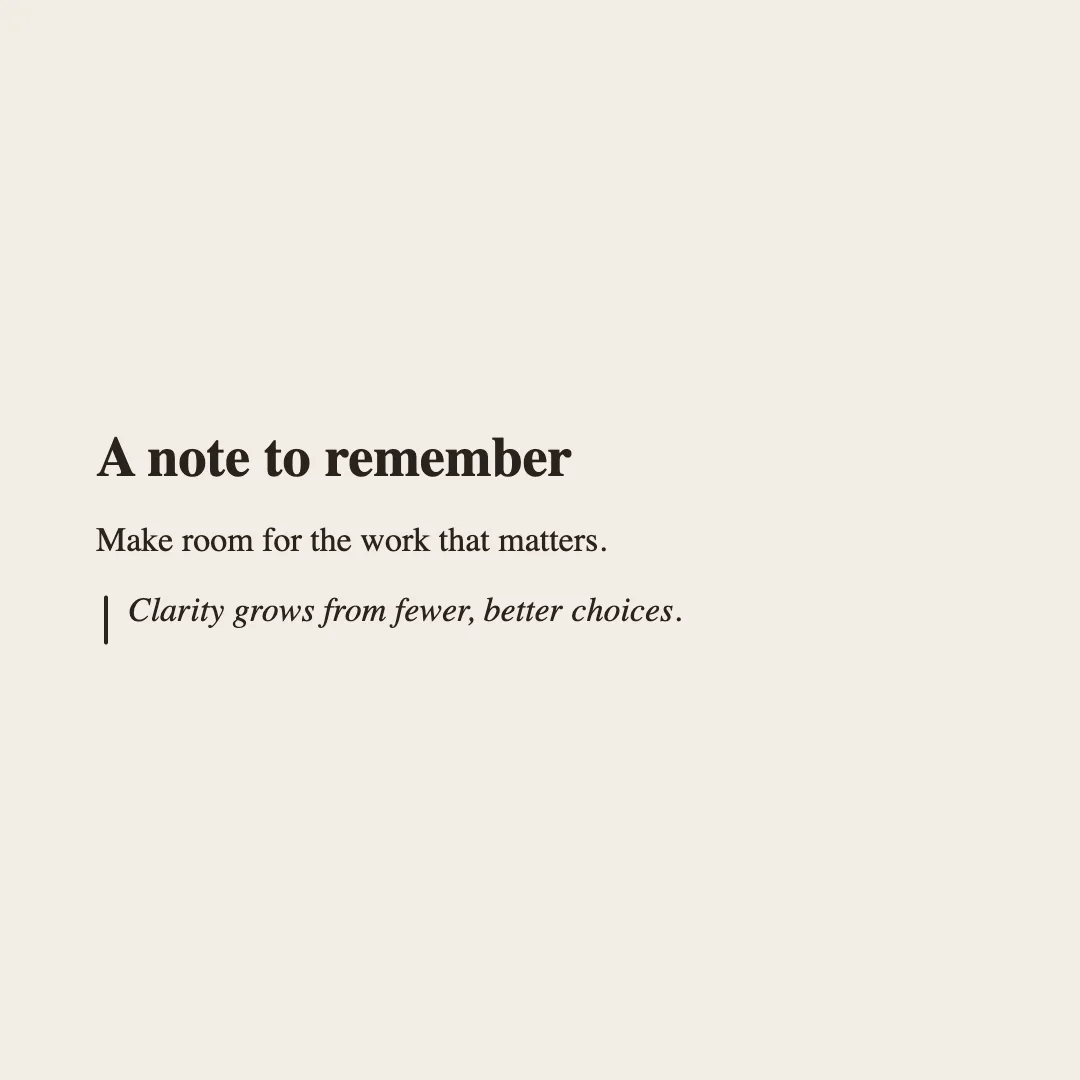
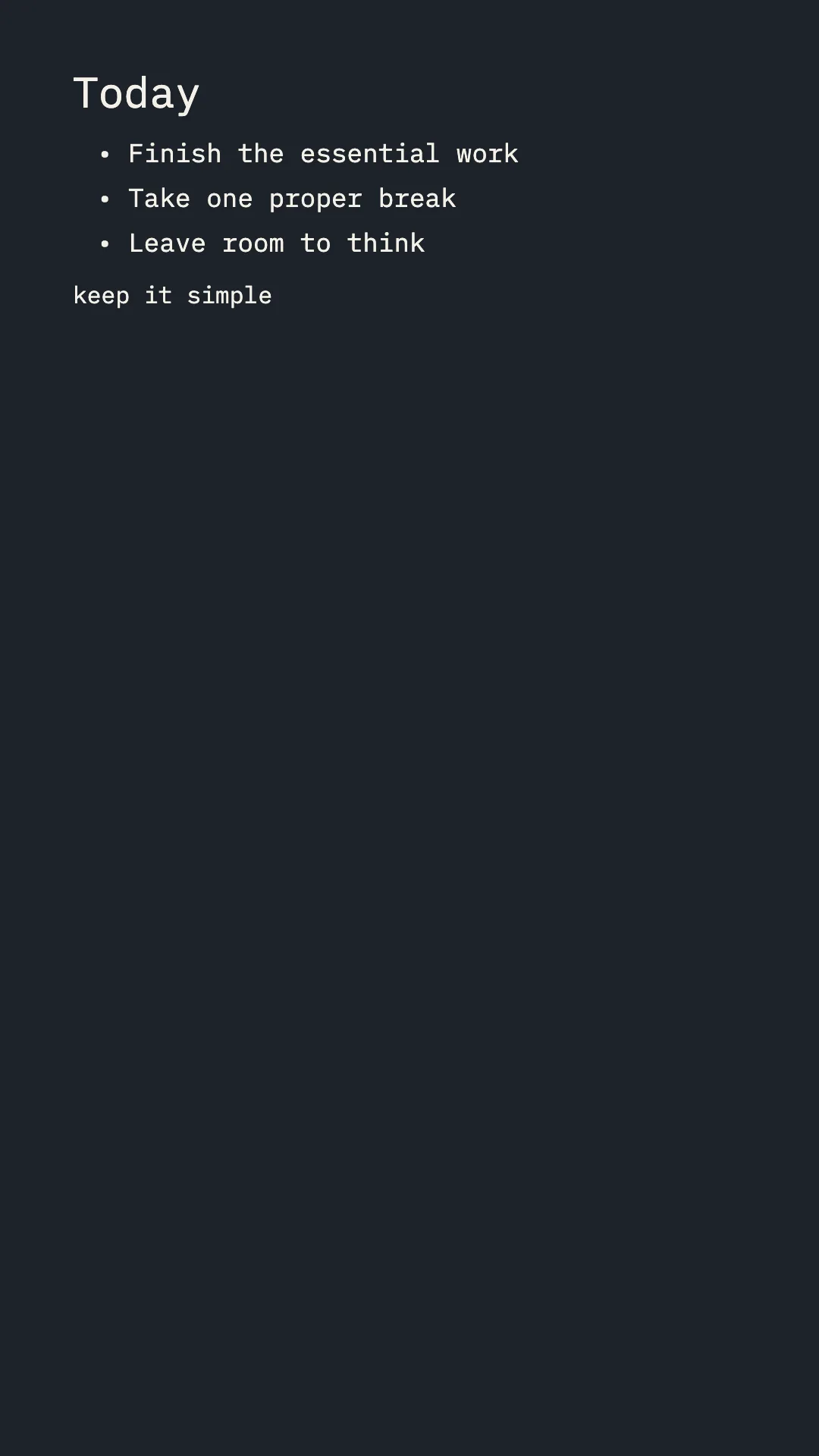
- Switch Markdown on and test a heading, list, quote, and inline code.
Use output-specific fixes
A 9:16 card may have enough height but a narrow line width. A square card may have a wider line but less total height. Compare the line length and whitespace, not only the presence of a warning. A successful validator result does not guarantee that a dense paragraph is pleasant to read.
Limits and unsuitable cases
The editor cannot know whether a platform will later add overlays or compress the PNG. It also cannot turn an unlimited document into a good social card. If every ratio needs tiny type, shorten the message or publish the full text separately.