Testimonial & Quote Card Maker
Turn a customer testimonial or meaningful quote into a polished social card.
- No watermark
- Images stay in your browser
Start from a finished layout
Templates
Use the same focused editor for customer proof or an attributed quote, then adapt it to the social size you need.

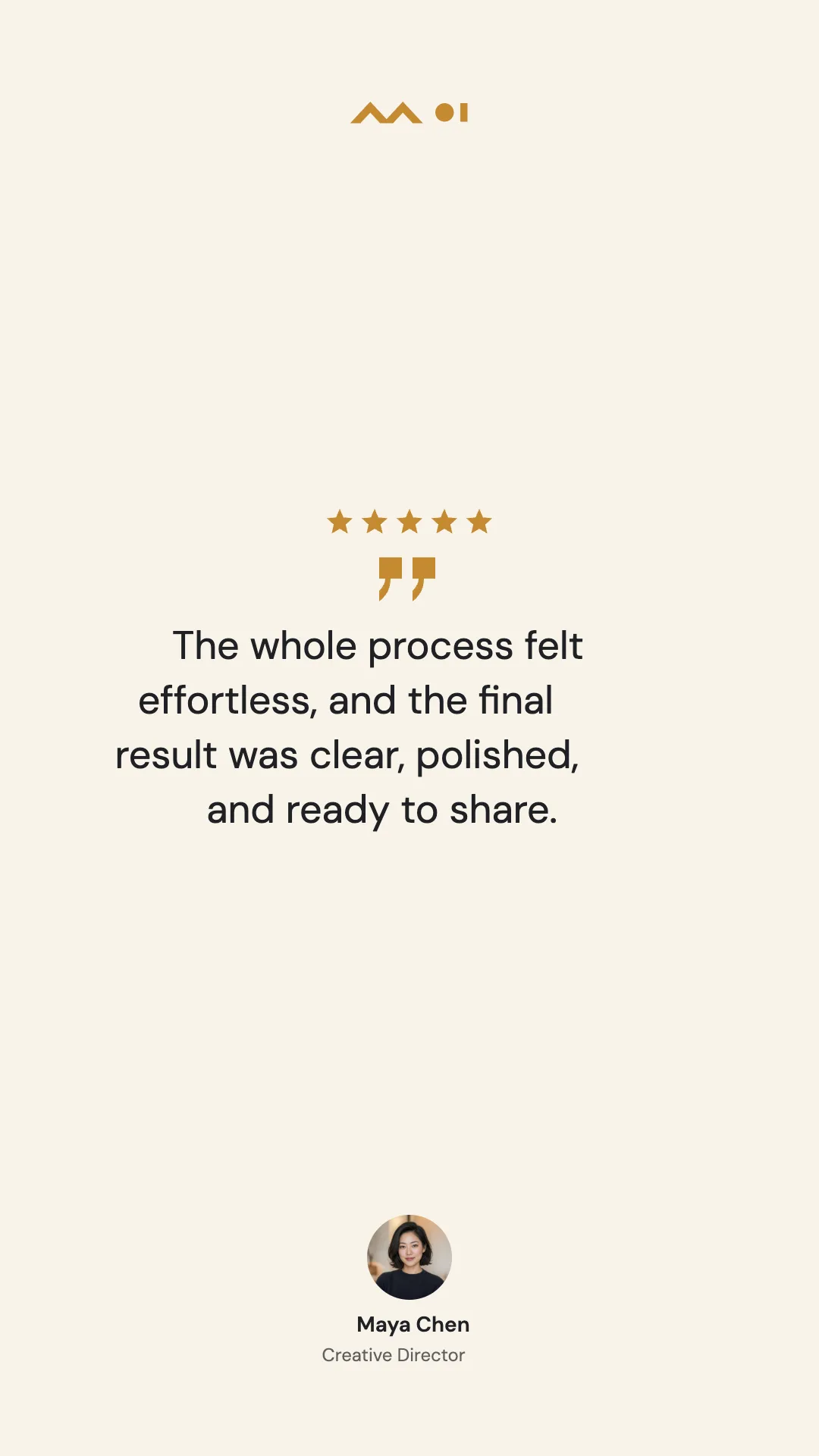
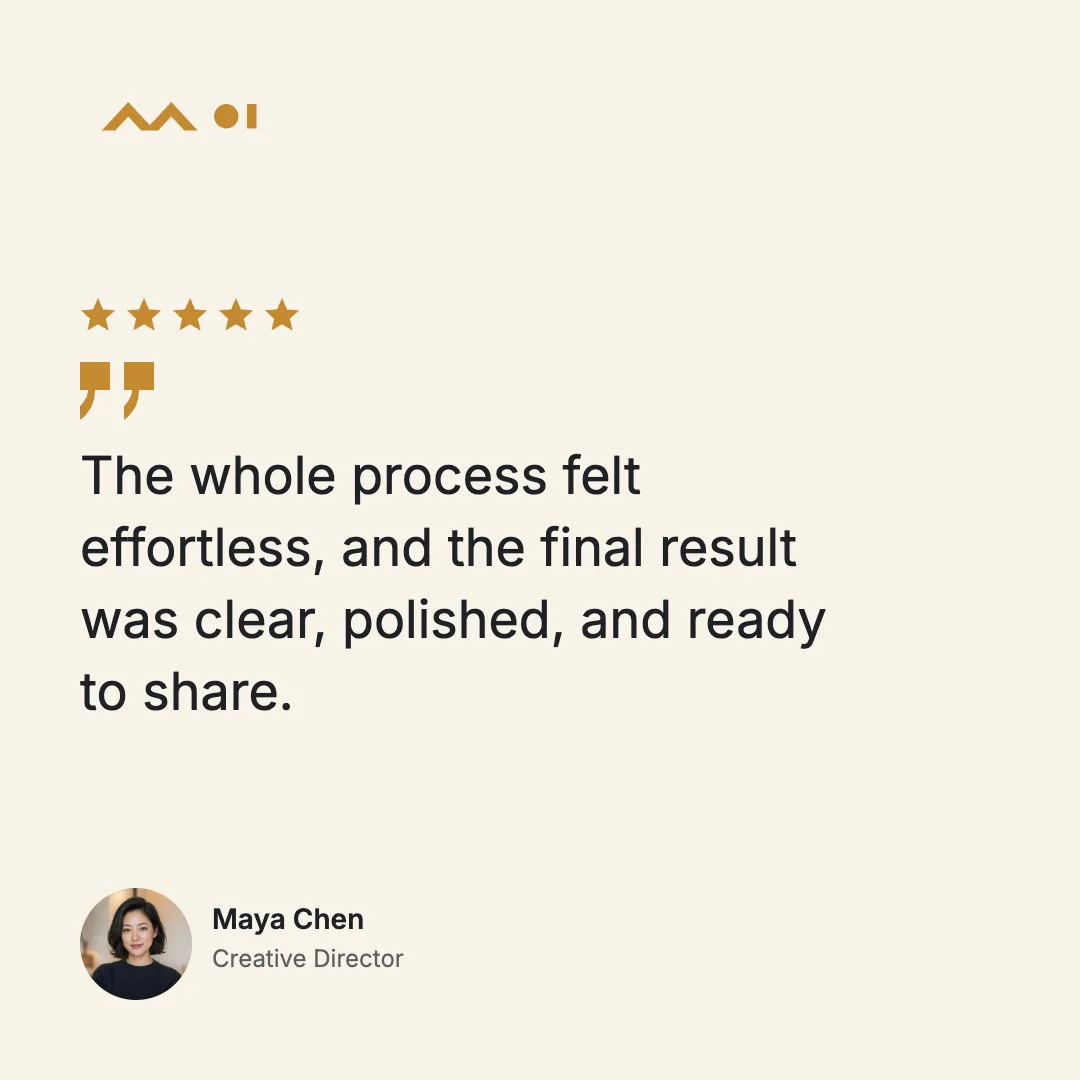
Maya Chen, the portrait, company details, and testimonial shown here are fictional template examples.
How It Works
1
Choose the card type
Start with a testimonial or quote and add only the supporting details you have.
2
Set the visual style
Choose Light or Dark, typography, alignment, photo shape, and accent color.
3
Export your PNG
Download one social size or package all three sizes in a ZIP.
Focused, Flexible, and Private
One card, only the details you need
Optional ratings, names, roles, sources, photos, and logos collapse cleanly instead of leaving empty gaps.
Your content stays local
Images and text are processed in your browser, are not remotely imported, and export without a watermark.
Who it suits and where it stops
Best for
One approved testimonial or attributed quote with optional name, role, source, rating, photo, or logo. The card body supports up to 500 characters, with shorter limits for name, role, and source.
Not for
A collection of reviews, unverified endorsements, or long legal copy that needs to remain fully readable in one card.
Turn a strong endorsement into a shareable card.
Start with the fictional example, then replace it with your own approved testimonial or attributed quote.
Use this toolTestimonial & Quote Card FAQ
What is the difference between Testimonial and Quote?
Testimonial is designed for customer feedback and can include a role and star rating. Quote is designed for an attributed passage and can include a source.
Do I need a photo or logo?
No. Photo, logo, name, role, source, and rating are optional, and empty areas collapse automatically.
How does Auto text size work?
Auto tries Large, Medium, then Small for each output size and uses the largest size that fits without clipping.
Which image shapes can I use?
Supporting photos can be circular, rounded, or square. Logos keep their original proportions and transparency.
Which output sizes are available?
Export square 1:1, portrait 4:5, or vertical 9:16 PNG images—or download all three in one ZIP.
Are my testimonial, quote, and images uploaded?
No. Your content, images, layout, and export stay in your browser.
Will the exported card have a watermark?
No. Every PNG exports without a watermark.