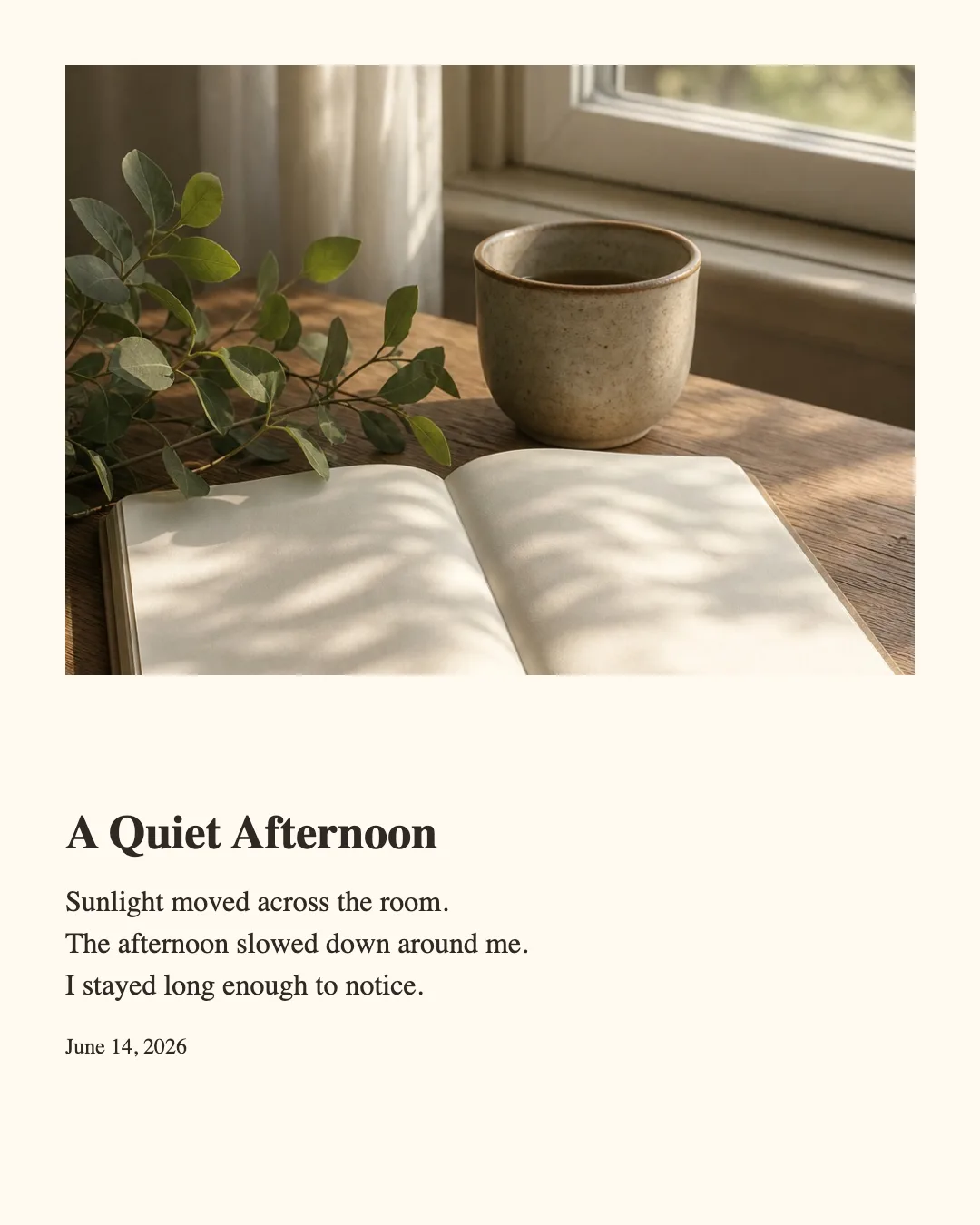
Photo Journal Maker
Turn one photo and a short journal entry into a polished image for sharing.
- No watermark
- Images stay in your browser
Start from a finished layout
Templates
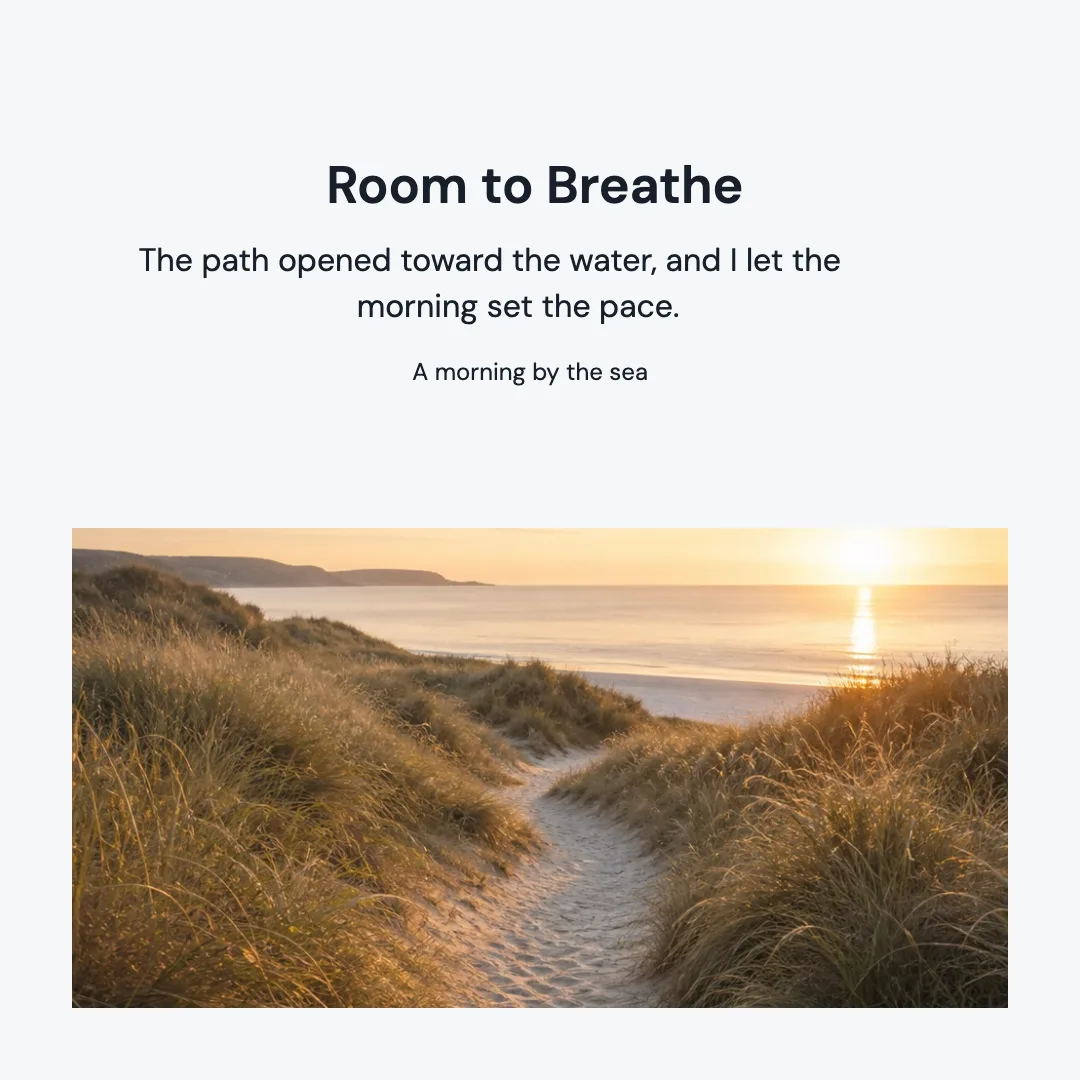
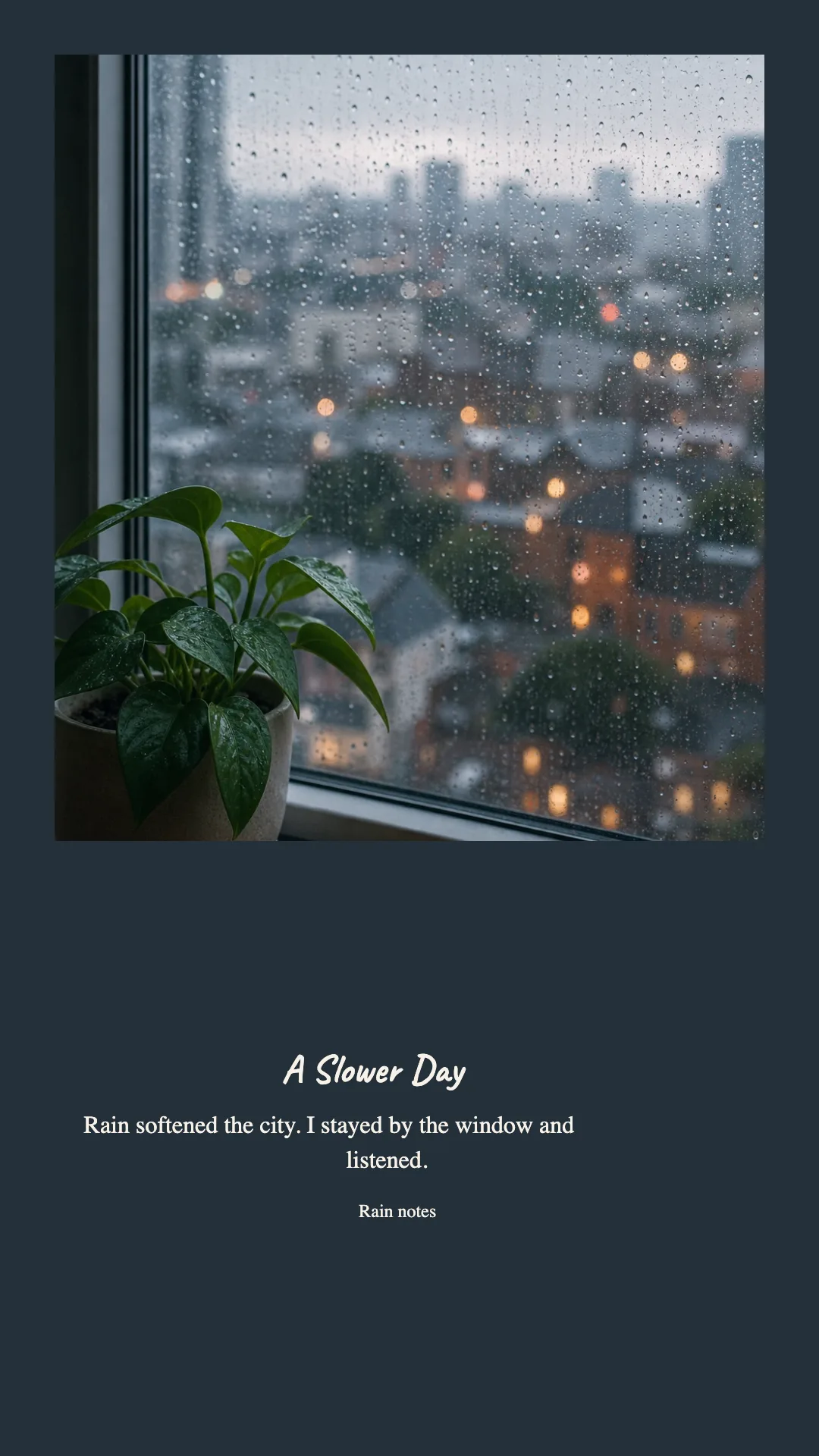
One photo and a few lines can work across the social sizes you use most.
How It Works
1
Add your photo and words
Upload one image, then write a short title, journal entry, and optional date or note.
2
Choose the mood
Set the photo position, fit, typography, spacing, colors, and output size.
3
Export your PNG
Download the current size or export square, portrait, and vertical versions together.
Output Sizes & Local Processing
Ready for common social formats
Export 1080 × 1080, 1080 × 1350, or 1080 × 1920 PNG images.
Your image stays local
Layout and export happen inside your browser. Your image is not uploaded, and exports have no watermark.
Who it suits and where it stops
Best for
A single photo, a short reflection, and a clear date or note that should feel like a small journal page. JPEG, PNG, and static WebP inputs are limited to 20 MB and 64 megapixels.
Not for
Multi-page stories, detailed photo retouching, or entries that need more than 500 characters to make their point.
Turn a moment into something worth keeping.
Start with the example, then replace it with your own photo and journal entry.
Use this toolPhoto Journal Maker FAQ
Are my photos uploaded?
No. Your photo is processed in your browser and is not sent to our server.
Which image formats can I use?
You can use JPEG, PNG, and static WebP images up to the displayed upload limits.
Which output sizes are available?
Choose square 1:1, portrait 4:5, or vertical 9:16. You can also export all three in one ZIP.
Can I use the tool on a phone?
Yes. The main flow works on mobile, while the larger desktop layout offers the most comfortable editing experience.
Will the exported image have a watermark?
No. Photo Journal Maker exports clean PNG files without a watermark.
What happens if my journal entry is too long?
The tool will identify the size that cannot fit the text. Shorten the entry, choose a smaller text size, or use tighter spacing.