One source message rarely needs identical spacing in square, portrait, and story formats. I used the same “A clear thought deserves a little room to breathe.” message, exported each ratio, and reviewed the result as a separate composition.
Keep the message constant, change the composition
Select the output ratio first, then adjust text size, line width, alignment, and spacing for that target. The underlying export sizes are 1080×1080, 1080×1350, and 1080×1920. They share a width but not the same visual balance.
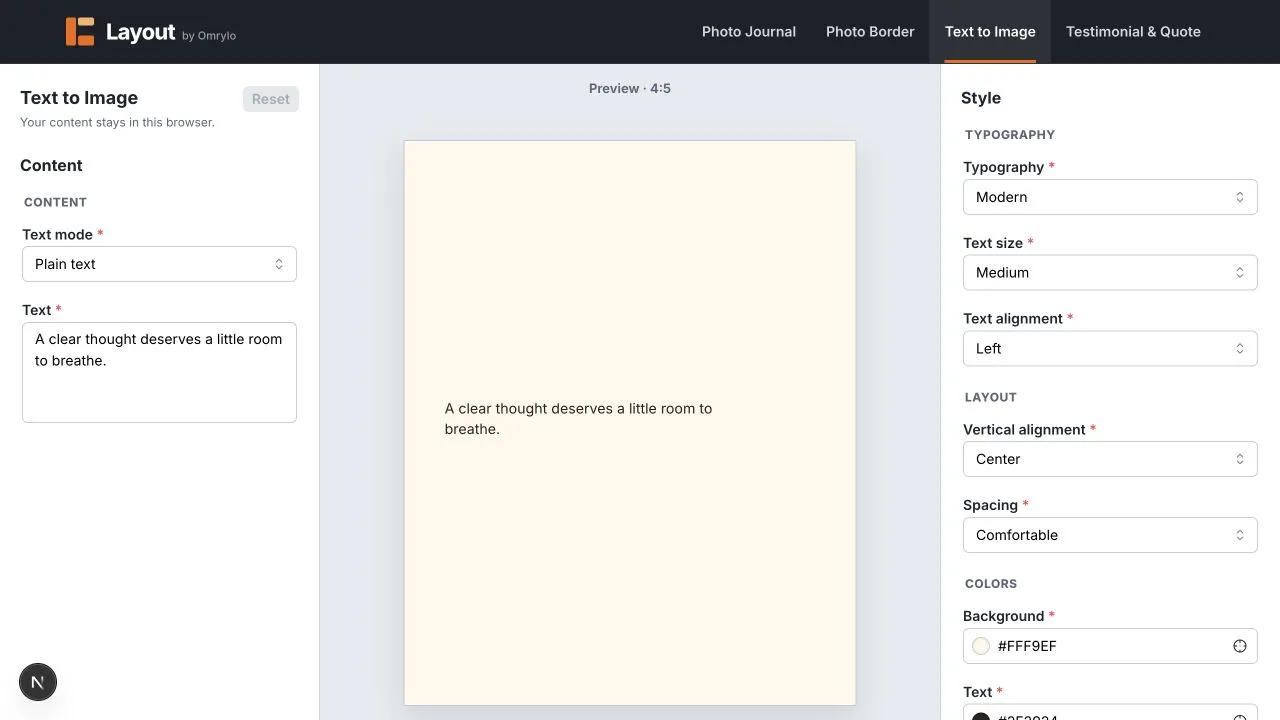
Review the three outputs side by side
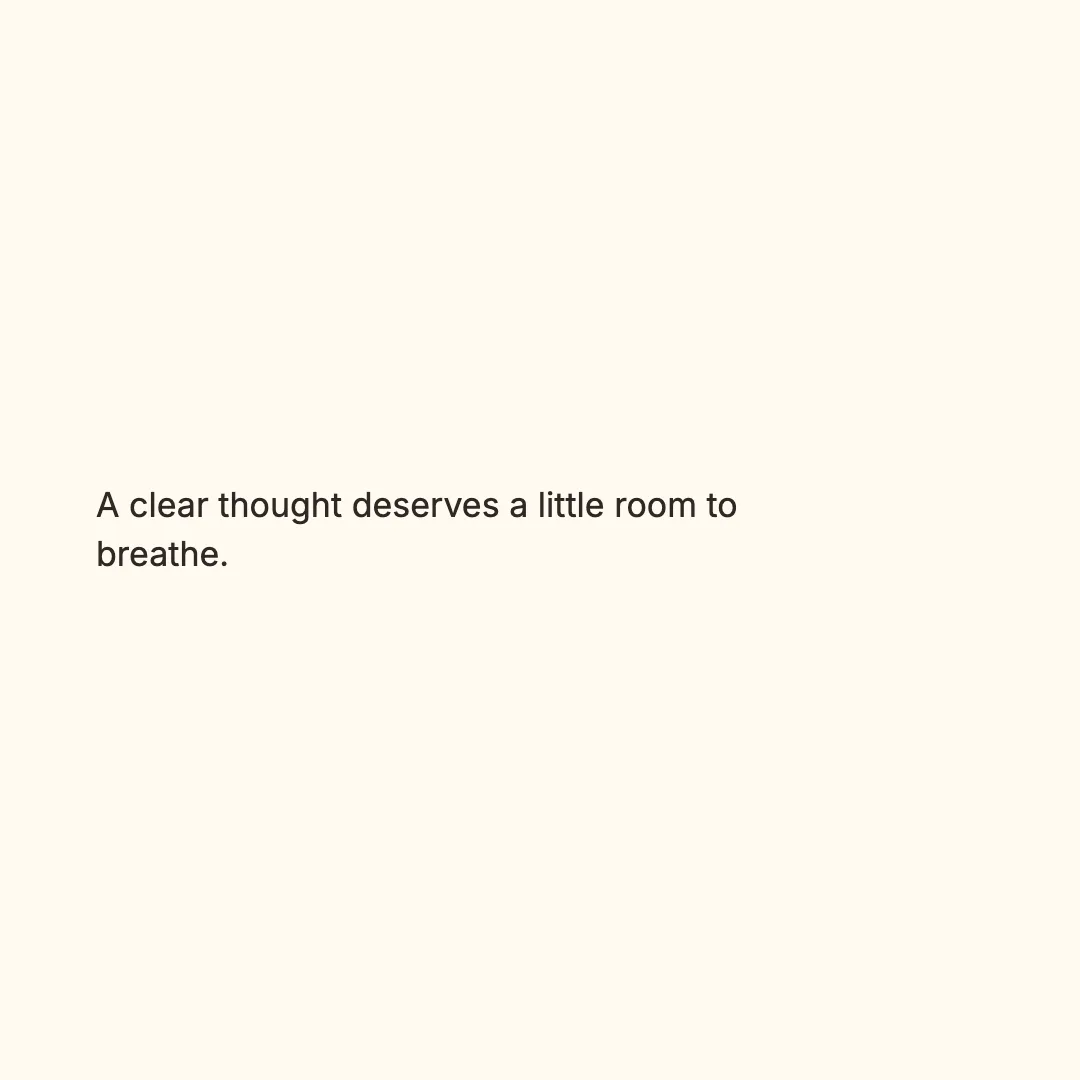
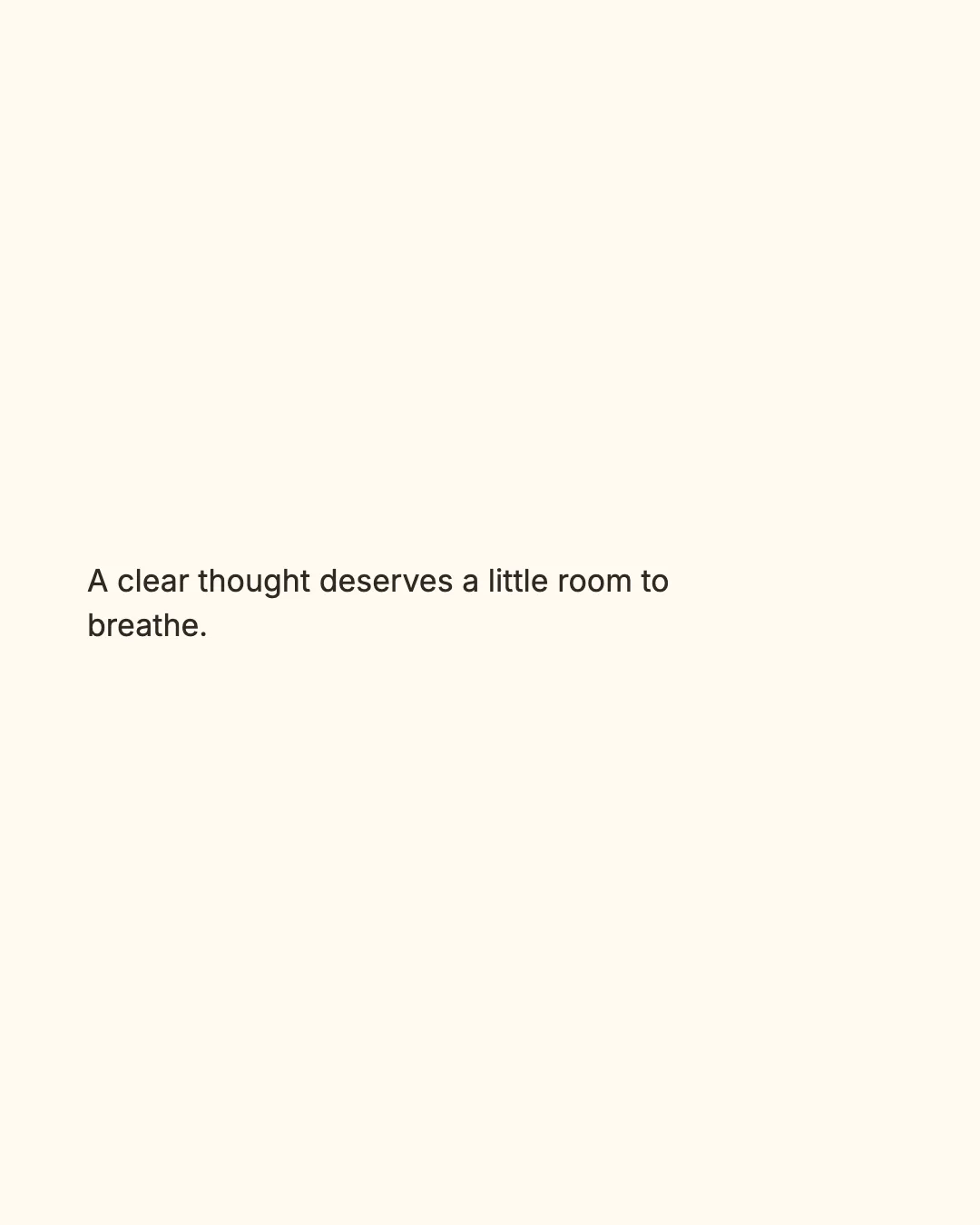
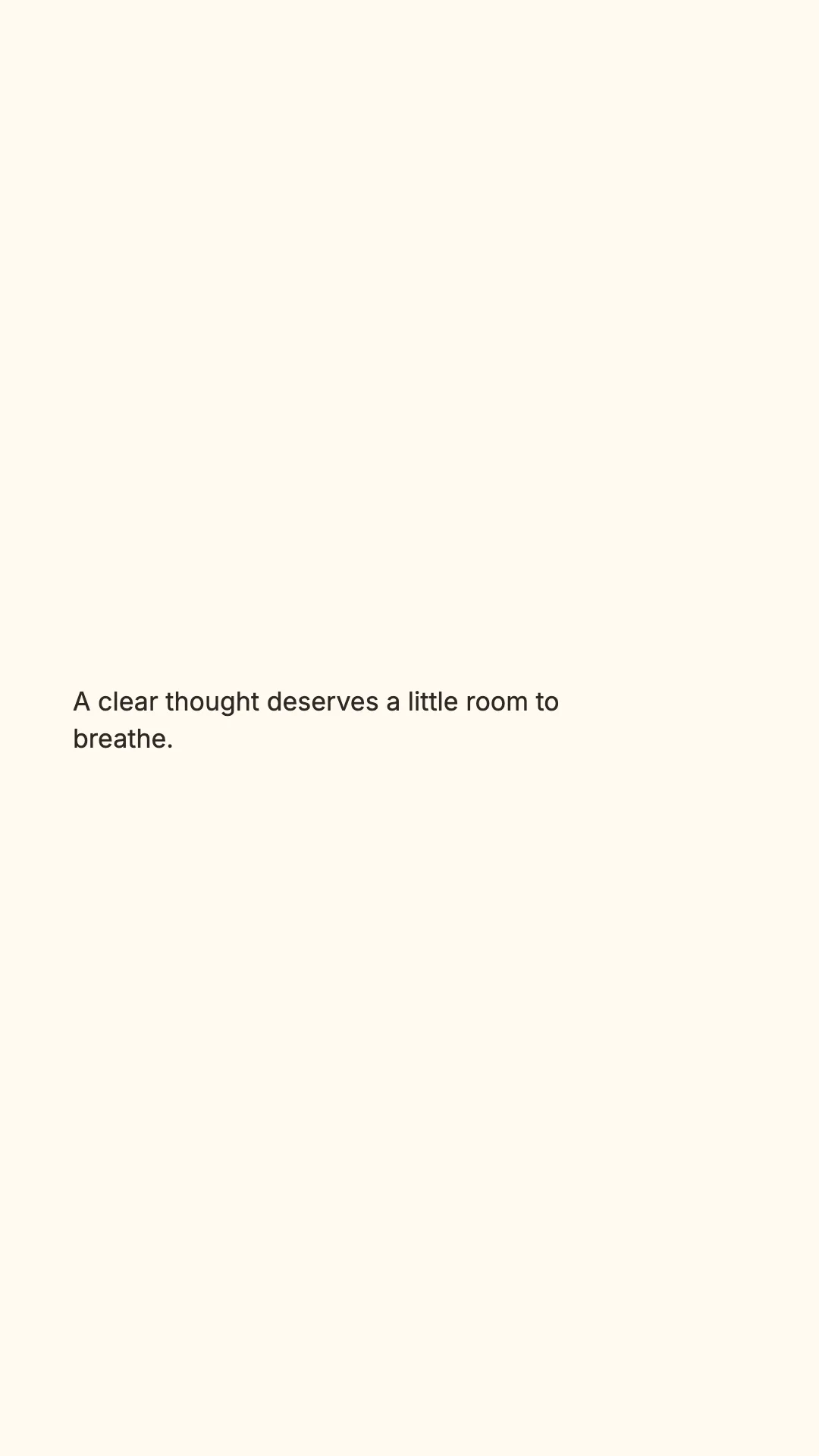
Do not mechanically crop the square
A square crop can remove a footer, move the visual center, or make a line break feel accidental. Reopen the preview at the target ratio and make the smallest change needed. For a photo-led design, inspect the subject; for a text-led design, inspect the first and last line.
Limits and unsuitable cases
Layout provides three fixed targets and PNG output; it does not publish directly to a social platform or know where a platform will place its own UI. Treat each export as a finished candidate that still needs a destination-specific review.