“Images stay in your browser” is a technical claim worth checking. This guide gives a repeatable browser test using the editor, Network panel, offline mode, and browser storage. The result is about the current build and browser session, not a promise about every extension or future code change.
1. Watch the Network panel
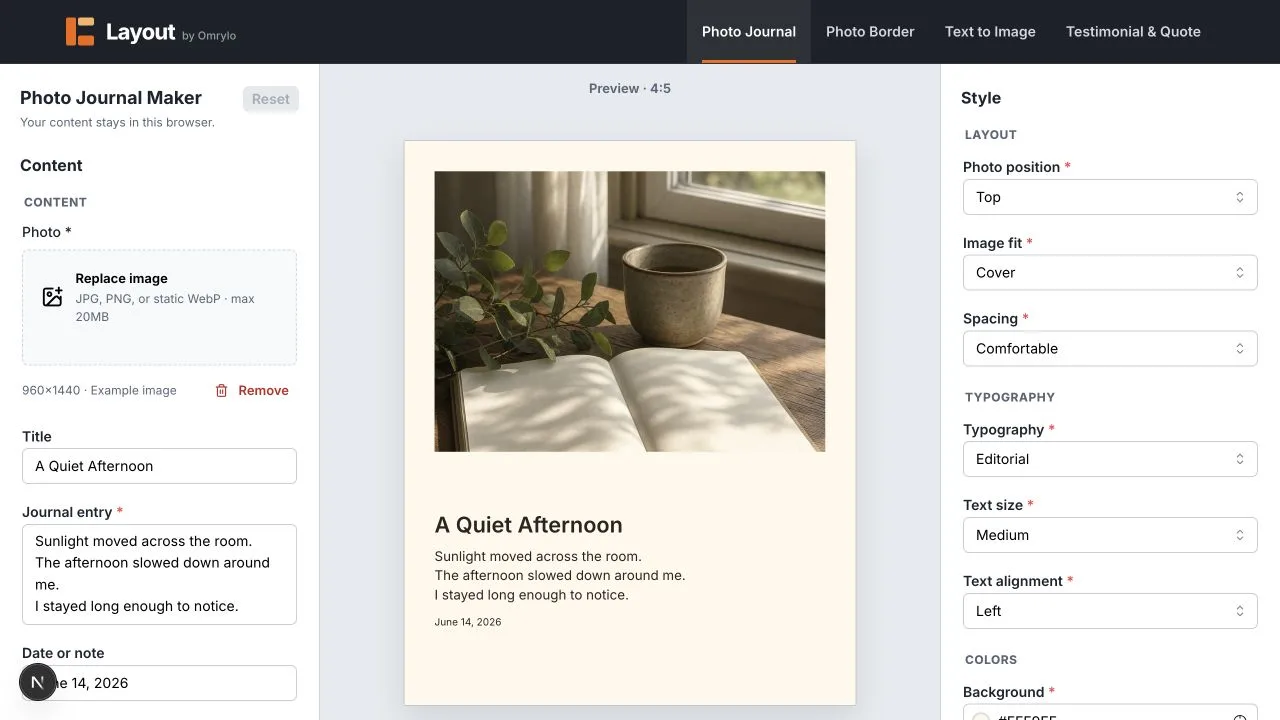
Open an editor, clear the Network log, and filter for Fetch/XHR and uploads. Choose a local photo, change text, switch the preview ratio, and export one PNG. The user-selected image is read as a browser object; the export is created on the device. You should not see a request that sends the image bytes or editor text to a Layout upload endpoint.
2. Repeat with offline mode
After the page and fonts are loaded, switch DevTools Network throttling to Offline. The editor can continue to render already available local content and can export when its assets are present. A fresh page load may fail offline because the site is not an offline-first application; that distinction matters.
3. Inspect browser-local storage
In Application or Storage, inspect Local Storage, IndexedDB, and Session Storage for the site. Draft recovery may keep editor state and processed working-image copies on this device. Analytics does not receive those values: its allowlist excludes editor text, images, filenames, full query strings, fragments, and raw errors.
What this check cannot prove
A browser extension, a compromised device, a proxy, or a future script can change what happens outside this build. Cloudflare still handles technical request data for delivery and security, and analytics may receive coarse product events. The local-processing promise applies to the editor content itself.
Limits and unsuitable cases
Do not use this workflow as a security audit for a different deployment or browser. For confidential material, perform your own network review and keep the resulting export under your normal data-handling controls.